k7k7 Deposit Guide: How to Send Money from Your Wallet to Your Balance
By the end of this page you will be able to deposit from your mobile wallet on your own, know how long it takes, and understand exactly where to go and what to do if a transaction gets stuck.
18+ · Responsible Gaming
Five steps to move money from wallet to balance
A deposit on k7k7 means moving money from your own mobile wallet into your platform balance. Two separate things happen here: first an order is created on the site, then you go to your wallet app and send the money. Your balance is credited fastest when the two step numbers and the amount match exactly.
The steps below are written with a first deposit in mind. Once you get the hang of it, the whole thing takes under a minute.
-
1
Log in and open Deposit
Sign in on the login page with your mobile number and password, then tap the deposit button next to your balance.
-
2
Enter the amount
৳500 minimum; anything lower and the order won't be created at all. Read the bonus terms shown alongside before you go ahead.
-
3
Pick your wallet
The list includes bKash, Nagad, Rocket and Upay. After you choose, the money must go to exactly the number shown on screen.
-
4
Send the money from the app
Copy the number and paste it – don't type it by hand. Use the same sending type that your order shows.
-
5
Confirm with the TrxID
Enter the transaction ID from your wallet receipt. Your balance usually shows the money within 6 minutes.
How long each method takes, and the limits
Money arrives in the same time on all four methods: 6 minutes. The difference is only in the experience and daily limits. Minimum deposit is ৳500, and the minimum withdrawal is ৳500 too.
- bKash Deposit 6 minutes Withdrawal 26 minutes ৳500
- Nagad Deposit 6 minutes Withdrawal 26 minutes ৳500
- Rocket Deposit 6 minutes Withdrawal 26 minutes ৳500
- Upay Deposit 6 minutes Withdrawal 26 minutes ৳500
Once the order is created, the screen shows a time limit; you have to send the money and enter the TrxID within that window. If the time runs out the order closes, but if the money has already left your wallet, tell the support team the order number and they can sort it out. Every order has its own number, so keep a screenshot of it and you'll have far less hassle later.
Your first deposit gets a 230% bonus, up to ৳9,000. Money including the bonus needs 17x turnover before it can be withdrawn, so it pays to start with a small amount. Regular deposits add a separate 17% reload bonus and 0.4% daily cashback; referrals pay ৳100 per friend.
Which wallet to send money to on k7k7
All four wallets take the same time for the money to land, so what really matters is your own habit and having an agent nearby. Match the comparison below to how you actually use it; switching to another channel later is no problem.
| Method | When it works best | What to watch for |
|---|---|---|
| bKash | Works at almost every shop and agent — the easiest pick for users who send small amounts regularly. | Send many times in one day and the wallet's daily limit runs out fast. |
| Nagad | Morning and midday get the quickest response; if you're not at home in the app, you can also send from an agent point. | Some accounts need extra confirmation on big amounts, so extend the order time limit when that happens. |
| Rocket | A dependable choice if you've held the account for years and have an agent close by outside the city. | The interface is dated, so check the number and the send method twice. |
| Upay | Useful as a backup when another wallet acts up or hits its daily limit. | Fewer agents, so cashing out the money may take a little longer. |
To send money from two wallets on the same day, open two separate orders. One order can't take two payments — after that it gets hard to tell which transaction belongs to which payment. You can request up to ৳55,000 a day on withdrawal, and the money usually arrives in 26 minutes.
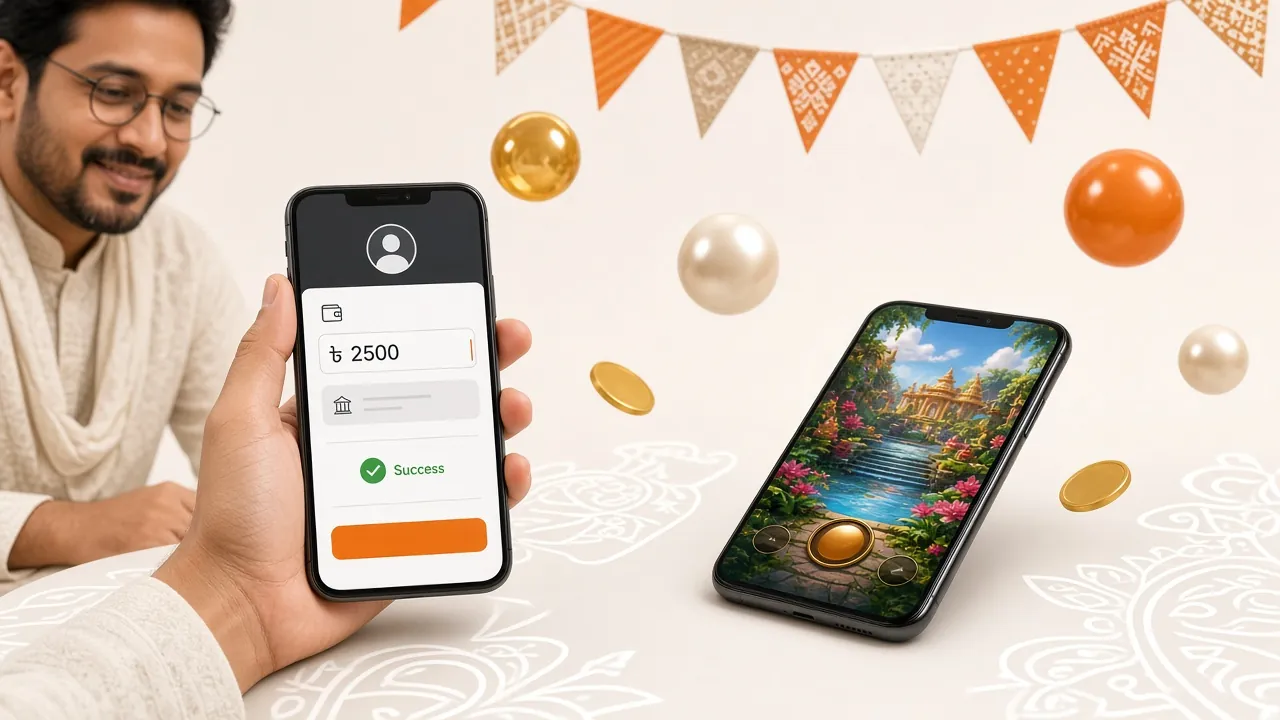
Where to look when the money gets stuck
Stuck transactions usually come down to three things: a wrong number, an incomplete TrxID, and an order that timed out. Find your case in the list below, then do the fix beside it.
| What you're seeing | Likely cause | What to do |
|---|---|---|
| Money left the wallet but the balance didn't go up | You sent to a different number than the one shown in the order, or the TrxID hasn't been entered yet. | Copy the TrxID from the receipt and enter it in the order. If that fails, give the order number and transaction ID in 24/7 live chat. |
| The order won't open | The amount is under ৳500, or the page sat open too long and the order timed out. | Refresh the page, start a new order and enter an amount above the minimum. |
| The order is sitting on “Pending” | The order was opened before you sent the money, so the system saw no transaction. | Send the money from the wallet first, then complete the order once it has been deducted. |
| The withdrawal request came back | The profile name or wallet number doesn't match, or you went past the ৳55,000 daily limit. | Check your profile details; if you crossed the limit, request the rest the next day. |
| A wrong TrxID was entered | An ID copied by hand or taken from an old receipt was used. | Tell support instead of opening a new order; with the correct ID they'll match the transaction. |
| Slower than usual at night | Wallet maintenance or a slow server. | Wait a few minutes and don't cancel the order; if the money was deducted it will match before the order expires. |
If none of the fixes above work, give live chat four details at once: order number, the number you sent to, the transaction ID and the time you sent. Attach screenshots if you have them. It halves the investigation time.
Four habits that keep fraud out
The easiest way to hold on to your wallet money is to leave no room for a scam in the first place. Make these four rules a habit on your phone.
-
Your PIN and OTP stay with you
Never give your wallet's secret code to anyone, even someone claiming to be from our team. Support never asks for it.
-
Send only to the number shown in the order
Don't send money to any other number that arrives by SMS or message. Always take the address from the order screen.
-
Keep screenshots of receipts
Note down the TrxID of every transaction separately. If a question comes up later, that one detail is what opens the way to a fix.
-
Don't Fall for the “Bonus” Trap Over the Phone
If a caller says “your account is blocked” or “you'll get a big bonus” and asks you for money, hang up. Every transaction starts from an order you place yourself.
Short Answers to Common Questions
What Do I Need to Make a Deposit?
An active account, a mobile wallet opened in your own name, and enough balance in that wallet. If you don't have an account yet, register first, then open an order on the deposit screen. On your first go, start with a small amount.
How Long Does It Take for Money to Reach k7k7?
Usually ৬ minutes. Send the money to the number shown on the order and enter the TrxID correctly, and your balance updates within that time. It can take a little longer during wallet maintenance at night; wait it out rather than cancelling the order.
What Is the Minimum Deposit and Withdrawal?
Both deposit and withdrawal start at ৳৫০০. You can request up to ৳৫৫,০০০ a day, and the money usually arrives in ২৬ minutes. Sending a large amount in two or three orders instead of all at once makes each transaction easier to match.
How Is the First Deposit Bonus Added?
Your first deposit carries a ২৩০% bonus, up to ৳৯,০০০. The bonus money needs ১৭x wagering before you can withdraw it. Deposit a big amount without understanding the terms and it's easy to assume your money is stuck.
Money Was Deducted but My Balance Didn't Go Up — What Now?
First take the TrxID from your wallet receipt and enter it on the order. If the balance still doesn't update, put the order number, TrxID and the time you sent the money into ২৪/৭ live chat. Never send money twice for the same order; it only makes the records harder to match on both sides.
Why Won't the Order Screen Open on Mobile?
Update your browser and try again, then clear the cache. If that doesn't help, install the k7k7 APK and deposit from inside the app; the app keeps the order window open longer.
Open an Account and Get the First Deposit Done
You need an account before you send any money. Registration takes just a mobile number and a few details; after that, your first deposit gets a ২৩০% bonus, up to ৳৯,০০০. If you already have an account, log in and head straight to the deposit screen.
The fund rules, transaction limits and responsible gaming guidance are set out in full on the Terms & Conditions page. This platform is not for anyone under ১৮.